Reliability•October 13, 2026
What Happens When an Appointment Link Gets Forwarded?
Written by Rommel Casis
Many businesses now send reminder emails with buttons to confirm, reschedule, or cancel an appointment. They save time for the client and for the front desk. One click, and the calendar updates itself.
Most people give little thought to the link behind that button. What happens if the email gets forwarded? What if the link ends up in a shared inbox, or someone copies it and changes a few characters?
I ran into this question while building a demo appointment reminder automation in n8n, as a practice project. The reminder emails were the easy part. The part that took more thought was how the system should decide whether a click on one of those links was genuine. Here is what I learned, in plain terms.
Two ways to protect a link
There are two common ways to protect a link like this.
The first is a shared password. The system has one secret, and any request that includes it gets let in. Think of it as one office key that opens every door in the building. Whoever holds the key can open any room, as many times as they like, until someone changes the locks. Changing the locks also means handing a new key to everyone who legitimately needs one.
In my build there was also a practical problem. The built-in protection options in n8n expect the password to travel in a hidden part of the request. A link clicked in an email can only send the address itself.
The second way is a link built for one job. Each link works for one appointment and one action, and it expires on its own. Think of it as a visitor pass for one room on one day. If the pass gets lost, whoever finds it can open that one room until the day ends. Every other door stays locked.
Both approaches share the same goal. They keep the wrong people out. The difference is how much someone could do if a link fell into the wrong hands.
A shared password suits some jobs well, like an internal tool that a few trusted people use. For a link that one specific person clicks to take one specific action, the single-job link is the better fit. That is the approach I used.
How the single-job link works
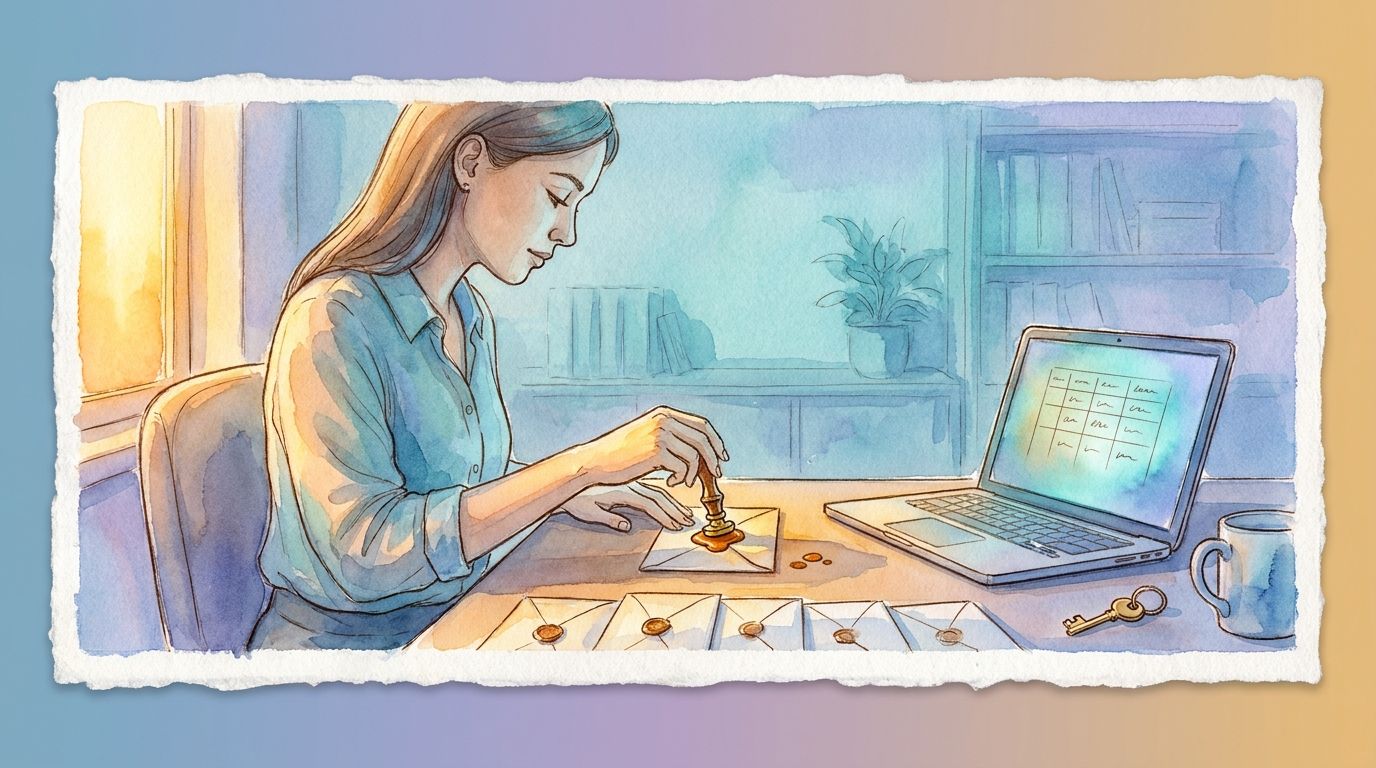
When a reminder goes out, the system writes three facts into each link. The first is which appointment it is for. The second is which action it performs: confirm, reschedule, or cancel. The third is when the link stops working.
The system then signs those three facts with a secret key that only it holds. The technical name for this is an HMAC signed token. You can picture the signature as one that only the system can write, and that matches only those exact three facts.
When someone clicks the link, the system writes the signature again from scratch, using its own key and the facts in the link. If its signature matches the one on the link, and the link is still within its time window, the action goes ahead. Otherwise the click is turned away.
Change any detail and the signature stops matching. Someone who swaps in a different appointment number gets turned away. So does someone who tries to turn a “confirm” link into a “cancel” link. The signature fits only the exact facts it was made for.
Why this matters for a business
In a demo, both approaches look the same. The client clicks, and the appointment is confirmed. The difference shows up on a bad day.
A client forwards a reminder to a family member. A link gets copied into a log file or a shared inbox. Someone notices a pattern in the links and starts guessing.
Here is what a leaked link can do in each setup:
| Shared password | Single-job link | |
|---|---|---|
| What it opens | Any appointment, any action | One appointment, one action |
| How long it works | Until someone changes the password | Until the link expires on its own |
| What happens if someone edits it | It still works | It stops working |
For a realtor or a mortgage team, each appointment is part of a client relationship. A cancelled showing or a missed meeting with a borrower has a real cost. Keeping each link small limits what one mistake can do.
This kind of detail rarely shows up in a walkthrough. It takes a little more work to build, and it is easy to skip. I think it is worth the extra work. I wrote more about planning for bad days in What Should Happen When an Automation Fails?
When a regular login is the better choice
Single-job links fit one-time actions. Confirming, cancelling, and rescheduling an appointment are good examples. So are unsubscribe links and password reset links.
When a person needs ongoing access, like a staff member who uses a booking dashboard every day, a proper login is the right choice. A single-job link is for one action. A login is for a person.
A question worth asking
Here is a simple question to ask about any automation, including the tools you already pay for. If one link or password leaked, how much could someone do with it, and for how long?
If the answer is “everything, until we notice,” it is worth a closer look. If the answer is “one action, for a short time,” the system was built with the bad day in mind.
This is how I approach the links in appointment scheduling automation: confirmations, reminders, and rescheduling links that are each built for one job. If you would like to talk through how your current booking links work, I am happy to do that on a free call.