Strategy•October 20, 2026
How I Map a Business Process Before Automating It
Written by Rommel Casis
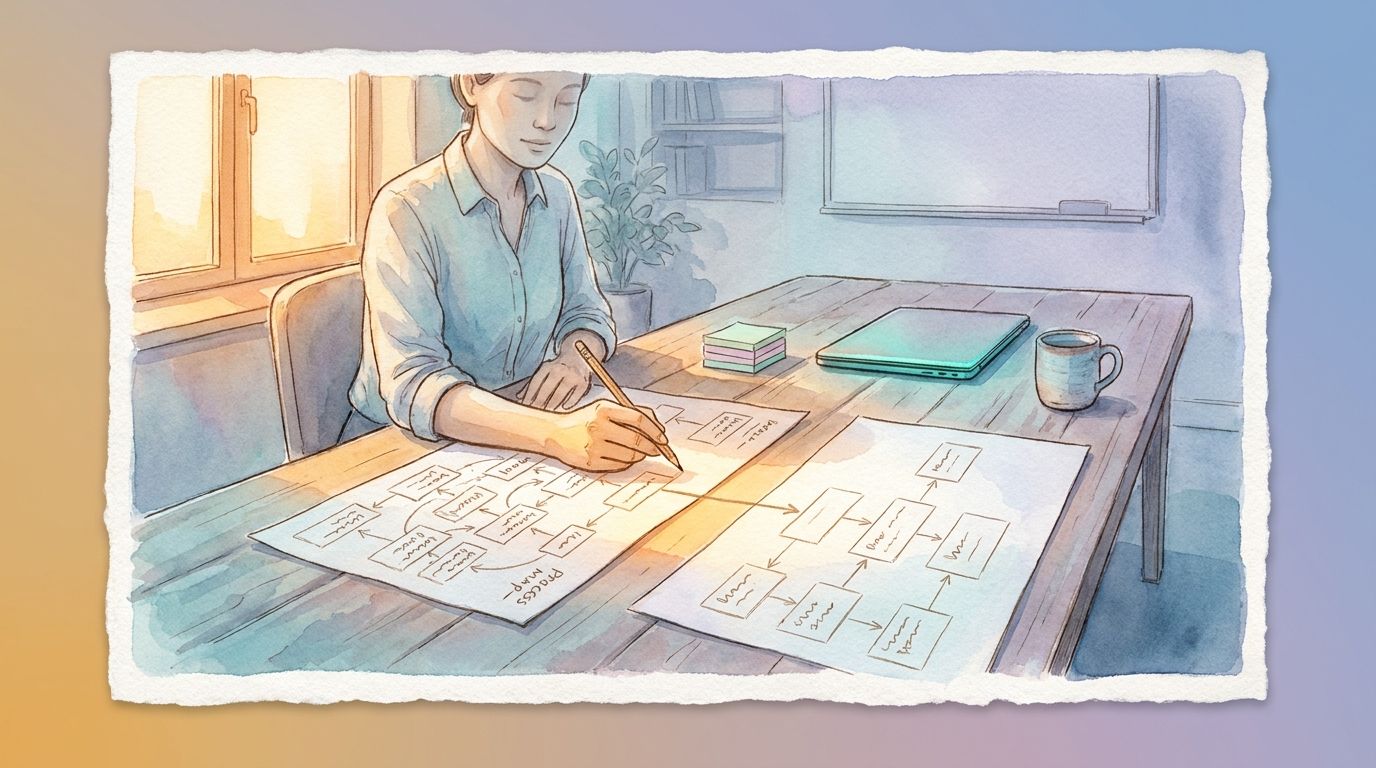
When a business owner starts thinking about automation, the first question is often which tool to use. I understand why. The tools are where the excitement is. I start somewhere else. I start with a map of how the work happens today.
Before I worked on automation, I spent many years as a business analyst on enterprise systems. Much of that work was mapping a system before anyone changed it. The systems were large, but the method is simple, and it works just as well for a five-person team. In this article I walk through how I do it.
Start with Purpose, People, and Process
I begin at a high level, with three questions.
Purpose. What is this workflow for, and how does it affect the bottom line? A lead intake process exists to turn inquiries into appointments. Each inquiry that slips through is a client who may go elsewhere.
People. Who does this workflow touch? Some people work in it directly, like the person who answers inquiries. Others feel its effects from further away, like the client waiting for a reply or the agent who receives the booked appointment.
Process. How does the work move from start to finish? This is the sequence of actions, from the moment something comes in to the moment it is done.
These three questions keep the map grounded in what the business cares about. They also tell me who to talk to before I map anything in detail.
Break it into four parts
Next I break the current workflow into four parts. Here is a representative example to show how that looks: a small real estate team handling new inquiries from its website.
Data. This is the information the workflow collects and uses. For the real estate team, that might be the person’s name, phone number, email, the property they asked about, whether they are buying or selling, and their timeline.
Business rules. These are the decisions that govern how the data is handled. Seller inquiries get a call from the lead agent the same day. Questions about a specific listing go to the agent on that listing. Inquiries that arrive after hours get a reply the next morning.
Process. This is how the data moves from start to end. The website form sends an email. An assistant reads it, copies the details into a spreadsheet, and passes it to the right agent. The agent calls back.
Integrations. These are the places where one tool hands information to another. In this example, the website form connects to the email inbox, and people do everything after that by hand. These hand-offs between tools are also where automations tend to break, which I wrote about in What Should Happen When an Automation Fails?
Mapping these four parts often turns up a surprise. Business rules tend to live in one person’s head. In this example, the assistant knows which agent gets which inquiry, and that knowledge exists only in her memory. That is worth finding early, because an automation can only follow rules someone has written down.
Map the future state
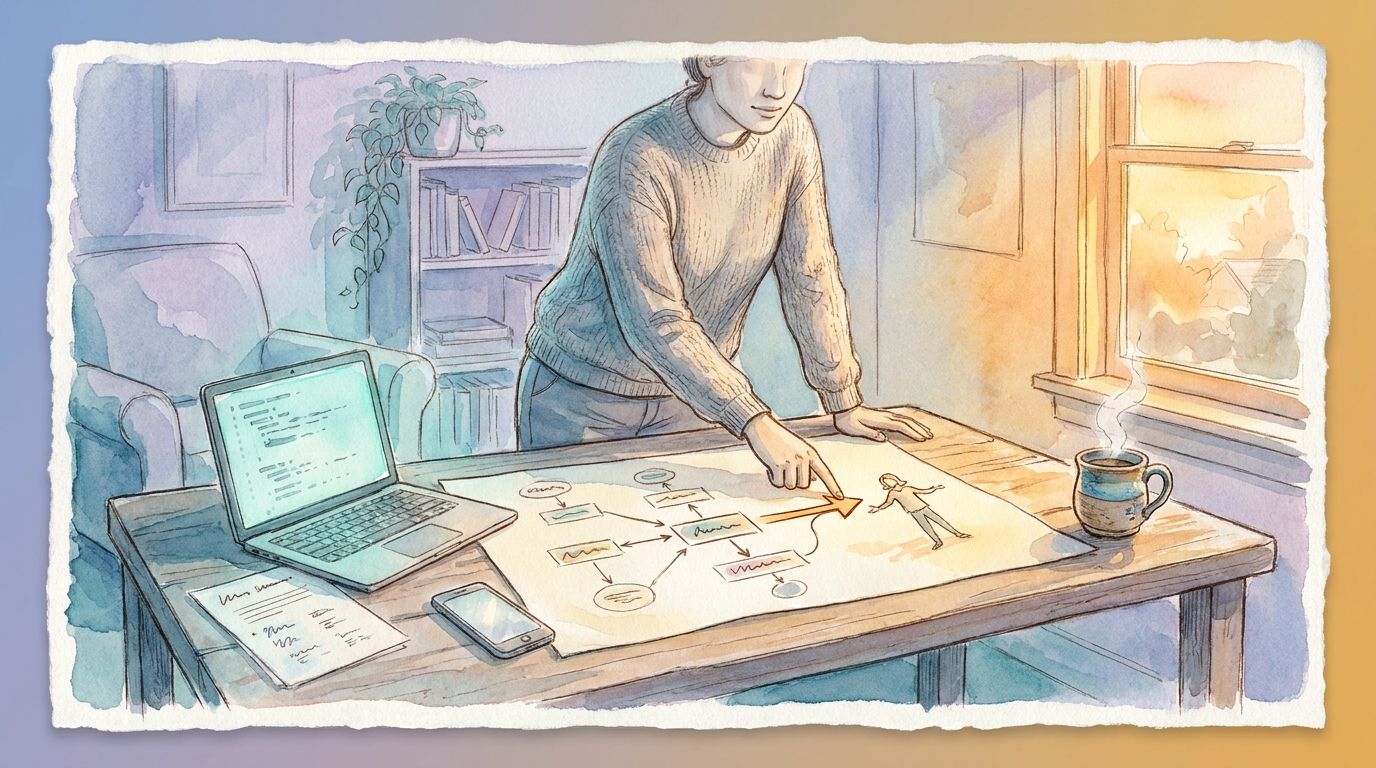
With the current state on paper, I map the future state using the same four parts. For each one, I note what changes and what stays the same.
In the real estate example, the form might send inquiries straight into a CRM, send an instant reply with a booking link, and notify the right agent. The rule about seller calls stays exactly as it is. The lead agent still makes that call personally.
My goal here is to change only what needs changing. I learned this on a large migration in my enterprise work. We moved more than 20 external organizations onto a new file transfer platform. We changed only the step where files were delivered, and we left the processing after that step as it was. Keeping the change that small is a big part of why we had no reconciliation problems afterward.
Compare and find the gaps
Now I put the two maps side by side. Each difference between them is a gap, and each gap becomes an item of work. One gap might be a missing field, like the buyer’s timeline. Another might be a business rule that needs writing down before an automation can follow it.
Some gaps are better left alone for now. A step might happen too rarely to justify the cost, or the current process might still be changing. I would rather name those gaps and set them aside than automate something before it is ready.
Make the change in phases
When it comes time to move from the current state to the future state, I prefer to do it in phases whenever that is possible. A phased change moves one piece at a time. Each step is small enough to check, and a problem stays limited to that one piece.
On the file transfer migration, the organizations moved one at a time. A routing table tracked which platform each organization was on, so its files went to the right place throughout the move. The delivery issues that did come up were contained and resolved quickly.
For a small business, a phase might be one lead source. Automate the website form first. Once that runs well, add inquiries from listing portals, and then missed calls.
Decide how you will know it worked
The last step is to decide how to measure success, and to do it before anything is built. The current state map gives you the starting point. Say inquiries take four hours to get a first reply today. That number is the one to beat.
Useful measures are usually simple. How long it takes to send the first reply. How many inquiries get a reply the same day. How many turn into booked appointments.
Where to start
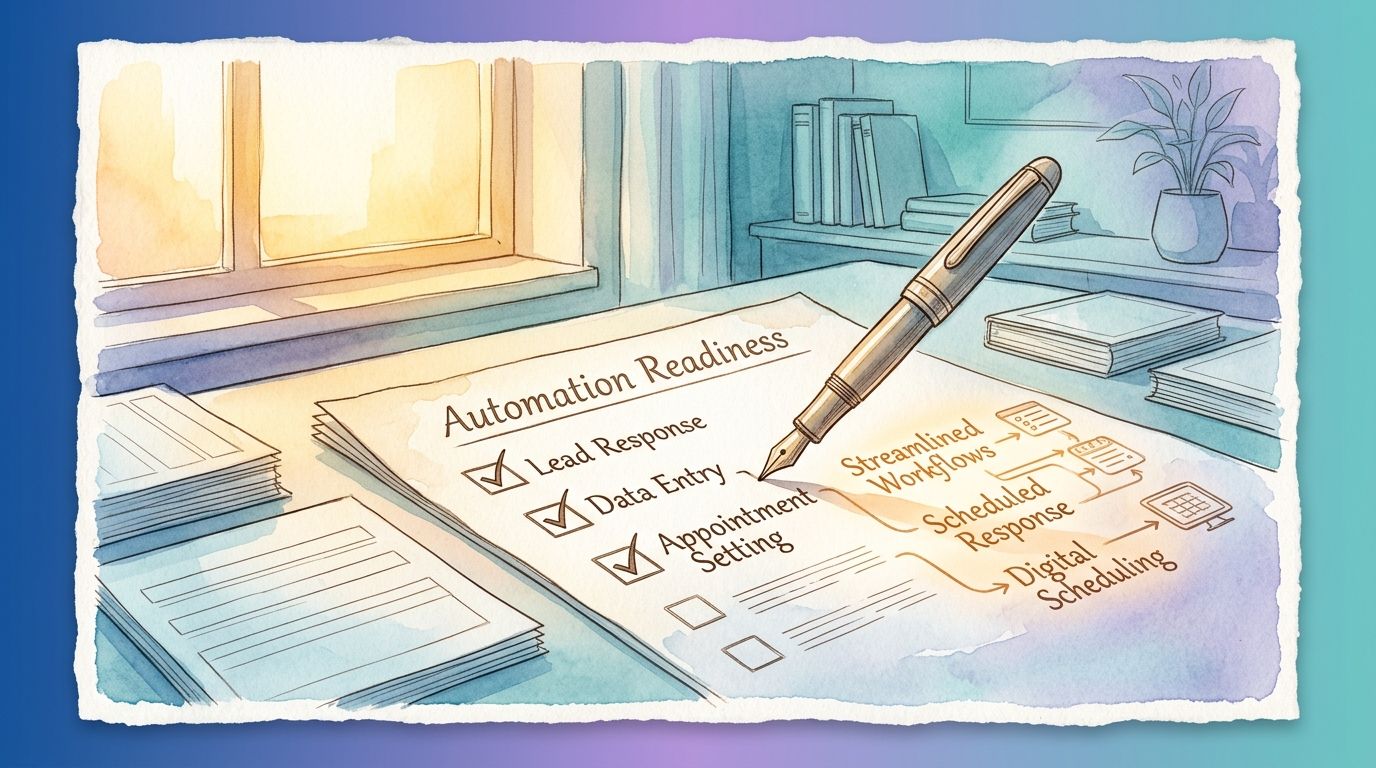
You can do a rough version of this yourself. Pick one workflow, and write down its purpose, the people it touches, and the steps from start to finish. Then list its data, its rules, and the tools it connects. That one page tends to show where the time goes.
This method is also the shape of the AI and Automation Readiness Assessment I offer. The report starts with the current state, lays out the opportunities, names what to hold off on, and ends with next steps and the success measures to watch. If you would like to talk through a workflow of your own, I am happy to do that on a free call.