Strategy•June 1, 2026
AI Automation Readiness Checklist
Written by zedStrong AI Systems
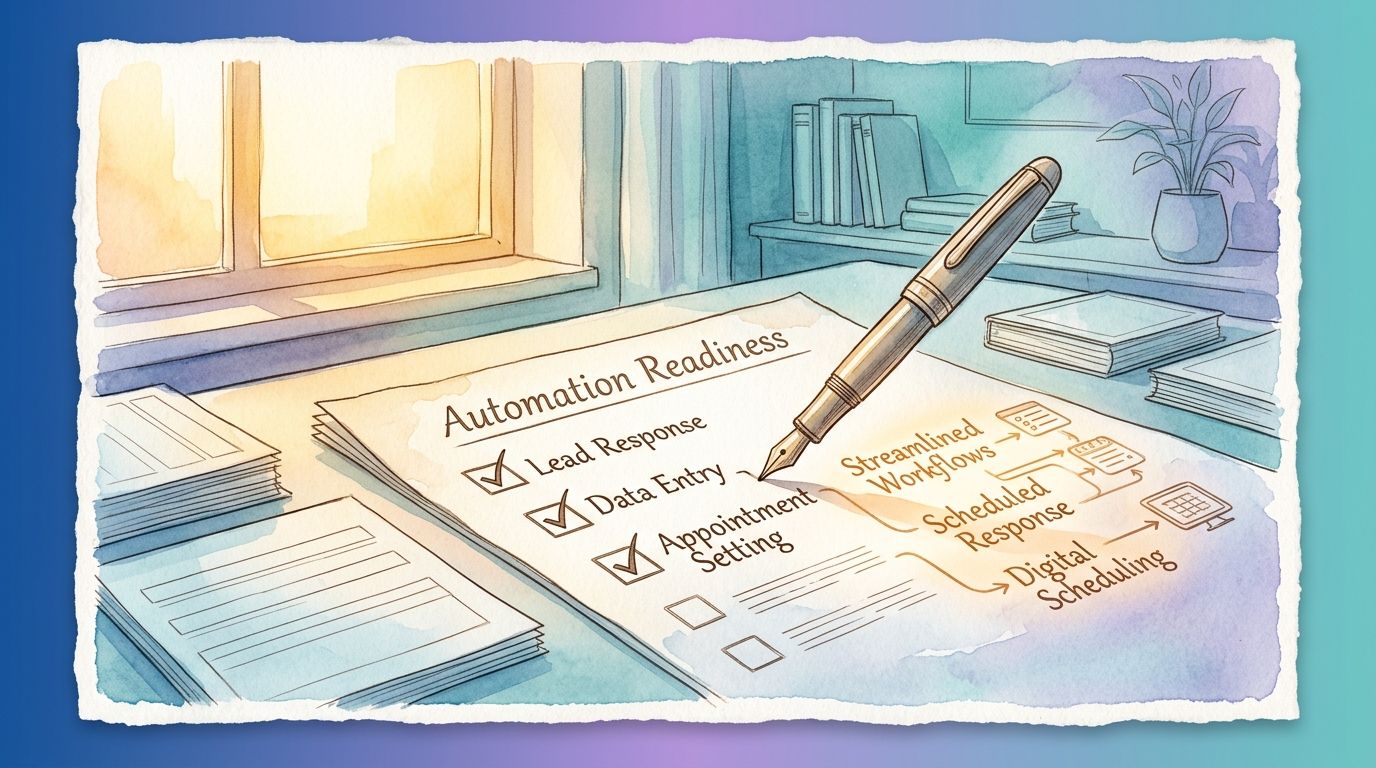
Not every business is ready to automate lead response, scheduling, and follow-up right away, and that’s fine. Jumping in before a few basics are in place is usually why automation projects stall or underdeliver, not because the automation itself was a bad idea. This checklist covers what actually needs to be true first, so you can tell the difference between a process that’s ready to build on and one that needs a bit of groundwork.
The checklist
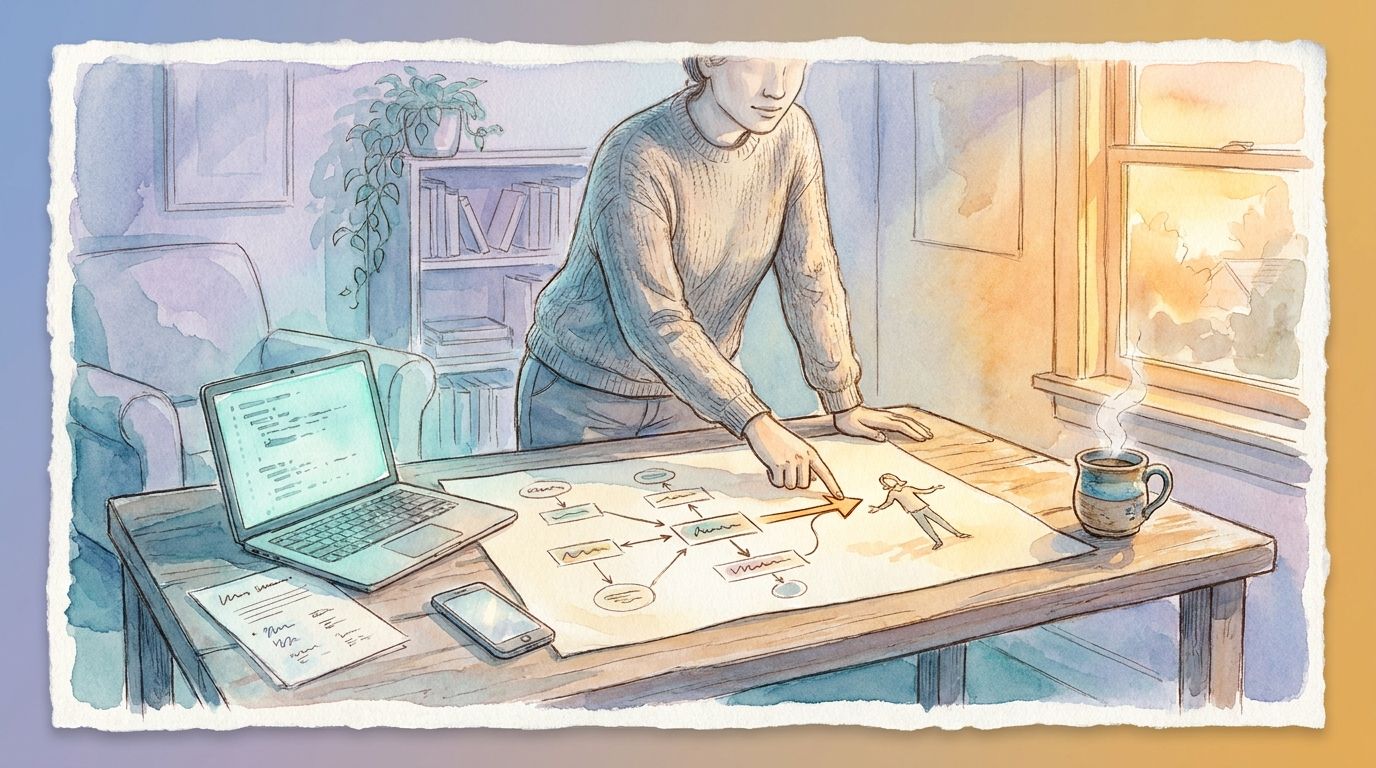
You can describe the process in order, start to finish. If you can walk through exactly what happens from the moment a lead comes in to the moment they become a customer, step by step, you’re ready to automate it. If the process changes depending on who’s handling it that day, that gets sorted out first.
The task happens often enough to matter. Automation pays off on things that repeat. A process you run once a month probably isn’t worth automating yet. One that happens daily or weekly, and eats real time each time, is a strong candidate.
The steps don’t require judgment calls. Automation handles rule-based work well: if this happens, do that. If a step regularly needs a person to weigh context and decide, that step likely stays manual, at least for now, even if the steps around it get automated.
Your information already lives somewhere organized. A CRM, a shared calendar, a structured spreadsheet: any of these work. If lead and client information is scattered across someone’s inbox and memory, that gets consolidated first. Automation moves information between systems; it needs a real system to move it from.
Someone will own it after it’s set up. Automation isn’t fully hands-off. Someone needs to check that it’s working as expected, especially in the first few weeks, and know who to tell if something looks off. If nobody has time to own that, even a small amount, it’s worth solving that first.
You have a way to know if it’s working. Before setting anything up, it helps to know what success looks like: faster response times, fewer missed follow-ups, fewer hours spent on the task each week. Without a clear measure, it’s hard to tell later whether the automation actually helped.
How to use this
Go through the six items for one specific process you’re considering automating, not your whole business at once. A process that checks yes on most of these is ready to move forward. One that checks no on a few isn’t a dead end. It’s just telling you what to fix first.
The most common gap is the fourth item: information that isn’t organized yet. That’s usually a quick fix, not a big project, and it pays off even before any automation gets built on top of it.
It also helps to run the checklist against more than one process if you have a few candidates in mind. Comparing the results side by side usually makes the best starting point obvious, since one process will clear most of the checks while the others still need work.
If you’re not ready yet
If a process fails several of these checks, the fix usually isn’t more sophisticated automation. It’s simpler groundwork. Write the process down clearly if it’s still living in someone’s head. Move information into one organized system if it’s scattered. Decide who checks in on things regularly, even informally, before adding a system that needs checking on.
None of this requires new software or a big commitment of time. It’s mostly a matter of getting the current process consistent and visible, so that when you’re ready to automate it, there’s something solid to build on.
The payoff of waiting a bit
It can feel like automation is the fix for a messy process. In practice, it works better the other way around: a clean, well-understood process is what makes automation actually deliver on its promise. A few weeks spent getting the basics right first usually saves months of troubleshooting an automation that was built on shaky ground.