Scheduling•April 18, 2026
Appointment Scheduling Automation, Explained
Written by zedStrong AI Systems
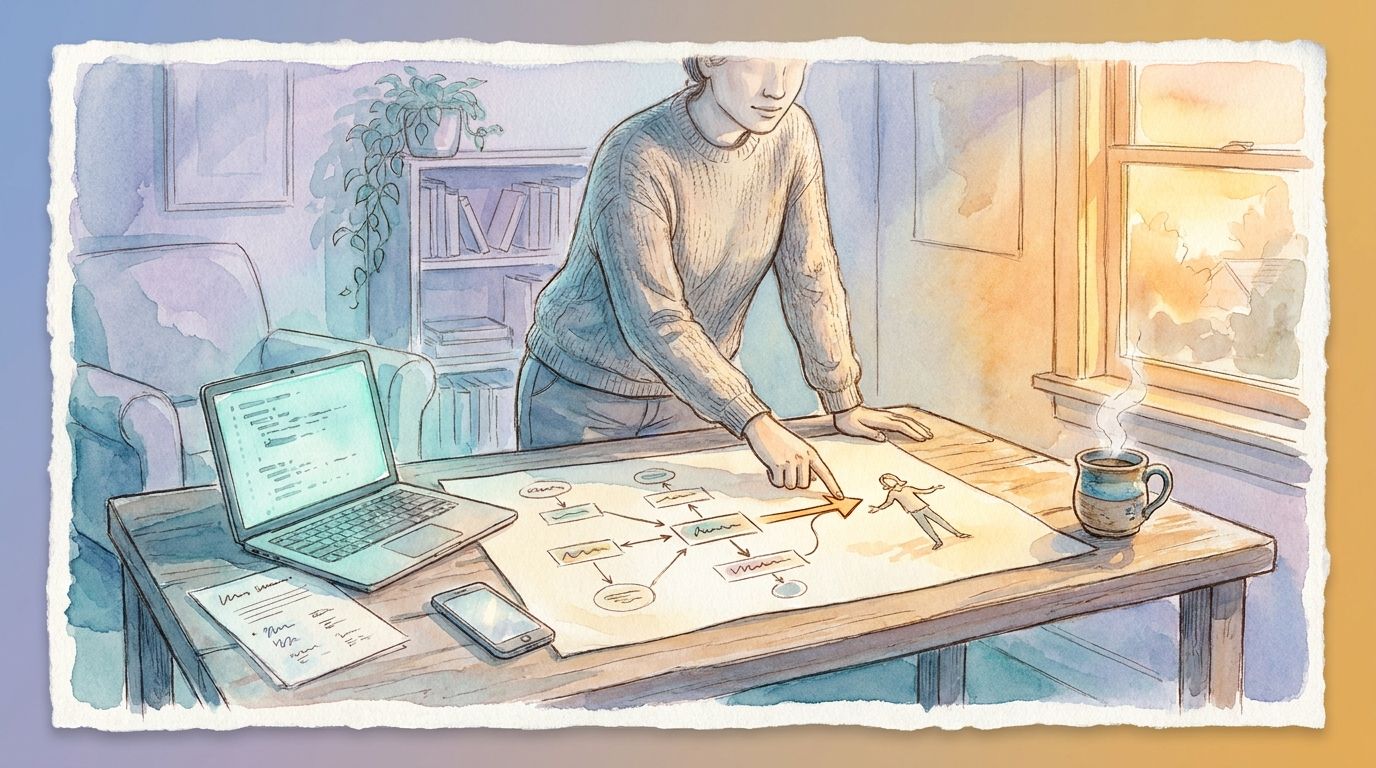
Booking an appointment shouldn’t take five emails and two missed calls. Yet for a lot of small and midsized businesses, that’s still how it works: a client asks about availability, someone checks the calendar, a time gets proposed, the client confirms or asks for something else, and the whole thing repeats until a slot finally sticks.
Appointment scheduling automation replaces that back-and-forth with a system that handles it directly. Here’s what it actually does and what it takes to set one up.
How it works
At its core, scheduling automation gives clients a way to book directly into your calendar without a person in the loop. A client picks a service, sees your real availability, and selects a time that works. The booking lands on your calendar automatically, and the client gets a confirmation right away.
From there, the system keeps working in the background. It sends reminder emails or texts before the appointment, so fewer people forget to show up. If someone needs to reschedule, they can do it themselves through a link, and your calendar updates without anyone needing to manually move anything.
None of this requires the client to know or care that automation is involved. From their side, it just looks like an easy way to book a time that works.
Reminders end up doing more work than most businesses expect from them. A large share of no-shows happen simply because someone forgot, not because they changed their mind. A well-timed reminder the day before, and sometimes a second one a few hours ahead, catches most of those before they turn into an empty slot on your calendar.
What it replaces
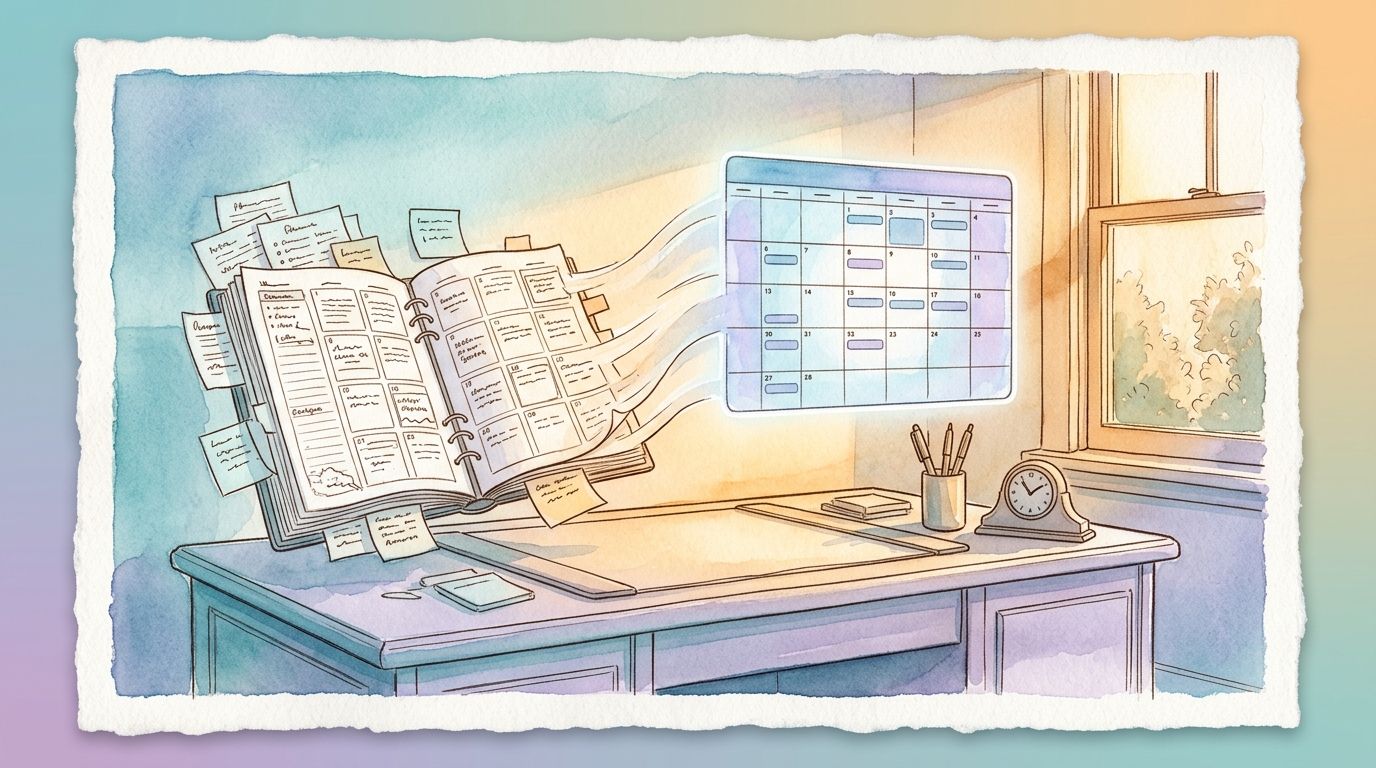
The most obvious thing it replaces is phone and email tag: the multiple rounds of “does this time work” that used to happen before someone finally lands on a slot. It also replaces the manual work of checking a calendar every time someone asks about availability, since the system already knows what’s open.
Reminder calls or texts sent one at a time by a person get replaced by ones that go out automatically on a schedule. And rescheduling, which used to mean another round of back-and-forth, becomes something the client can do themselves in under a minute.
What it takes to set up
Getting this running well takes a bit of upfront thinking, though the ongoing work afterward is close to nothing.
First, your availability rules need to be defined clearly: which days and hours you take appointments, how long each service takes, and how much buffer time you want between bookings. Second, the system needs to connect to the calendar you actually use, so there’s one source of truth instead of two calendars that can drift out of sync. Third, your confirmation and reminder messages need to be written once, in your own voice, so they don’t read like a generic notification from software.
Once those three pieces are in place, the system runs on its own. Most of the setup work is a one-time investment, not an ongoing task.
It’s also worth deciding upfront how much control clients get. Some businesses prefer to let clients pick any open slot without restriction. Others want a short screening step first, like a quick set of questions, so the right information is in hand before the appointment happens. Neither approach is wrong. It depends on how much preparation each appointment actually needs.
Common concerns, addressed
Two concerns come up most often. The first is double booking: what if two clients grab the same slot at once? A properly configured system checks availability in real time, so once a slot is taken, it’s no longer offered to the next person. The second is losing the personal touch. In practice, most clients care more about getting a fast, easy booking experience than about who typed the confirmation email. The personal touch still comes through in the actual appointment. The booking step is just logistics.
Is it worth setting up
If appointments are a regular part of how your business runs, and your team spends real time each week on the coordination around booking them, scheduling automation is usually one of the fastest wins available. It’s a well-understood, low-risk starting point precisely because the workflow is so repetitive: the same handful of steps, the same decisions, every single time.
For a lot of businesses, this ends up being the first automation they set up, simply because the payoff is easy to see. Fewer no-shows from better reminders, fewer hours lost to coordination, and a smoother experience for the client on the other end.