Workflow•April 2, 2026
How to Reduce Admin Work With Workflow Automation
Written by zedStrong AI Systems
Most business owners didn’t start their business to spend their afternoons on data entry. Yet that’s where a lot of the day goes: updating spreadsheets, copying information between systems, sending the same follow-up email for the third time this week. None of it grows the business. All of it has to get done anyway.
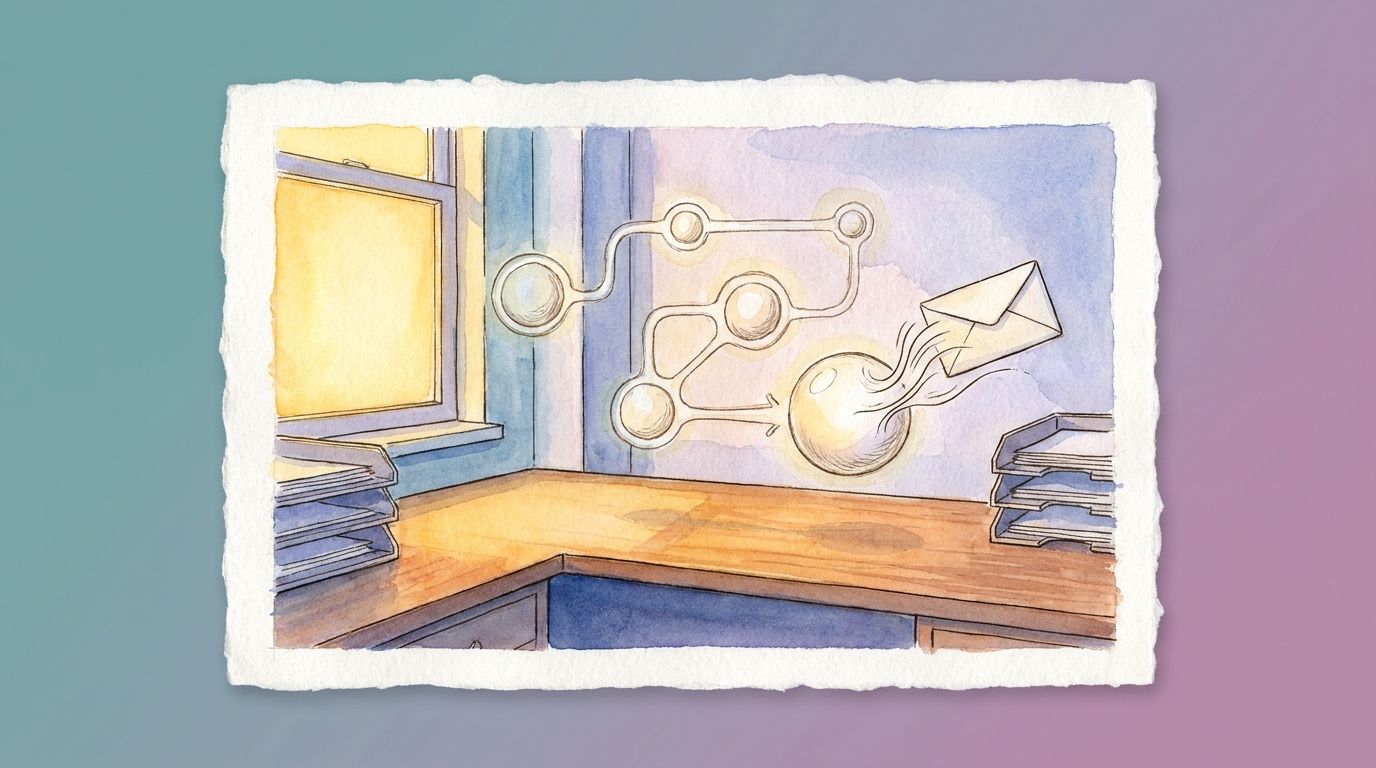
Workflow automation exists to take that second category off your plate. Not the whole job, just the repetitive parts of it.
What “admin work” actually covers
It helps to name the work before trying to fix it. Admin work usually means things like entering the same customer details into two or three different systems, checking a calendar and typing out availability by hand, sending a reminder or confirmation email one at a time, and pulling numbers together into a status update or report.
Each task on its own takes a few minutes. Add them up across a week, and they’re often the reason the “important” work keeps sliding to next week instead.
Where automation helps most
Automation is a strong fit for anything repetitive, rule-based, and predictable. If a task follows the same steps every time and doesn’t require judgment, it’s a good candidate.
A new lead comes in, so their details get added to your CRM and a welcome email goes out. That’s automatable. An invoice is overdue, so a reminder goes to the client three days later. Also automatable. A form gets submitted, so the right team member gets notified instead of having to check a shared inbox. Same idea.
The pattern in all three: information moves from one place to another, on a schedule or trigger, without anyone needing to decide anything along the way.
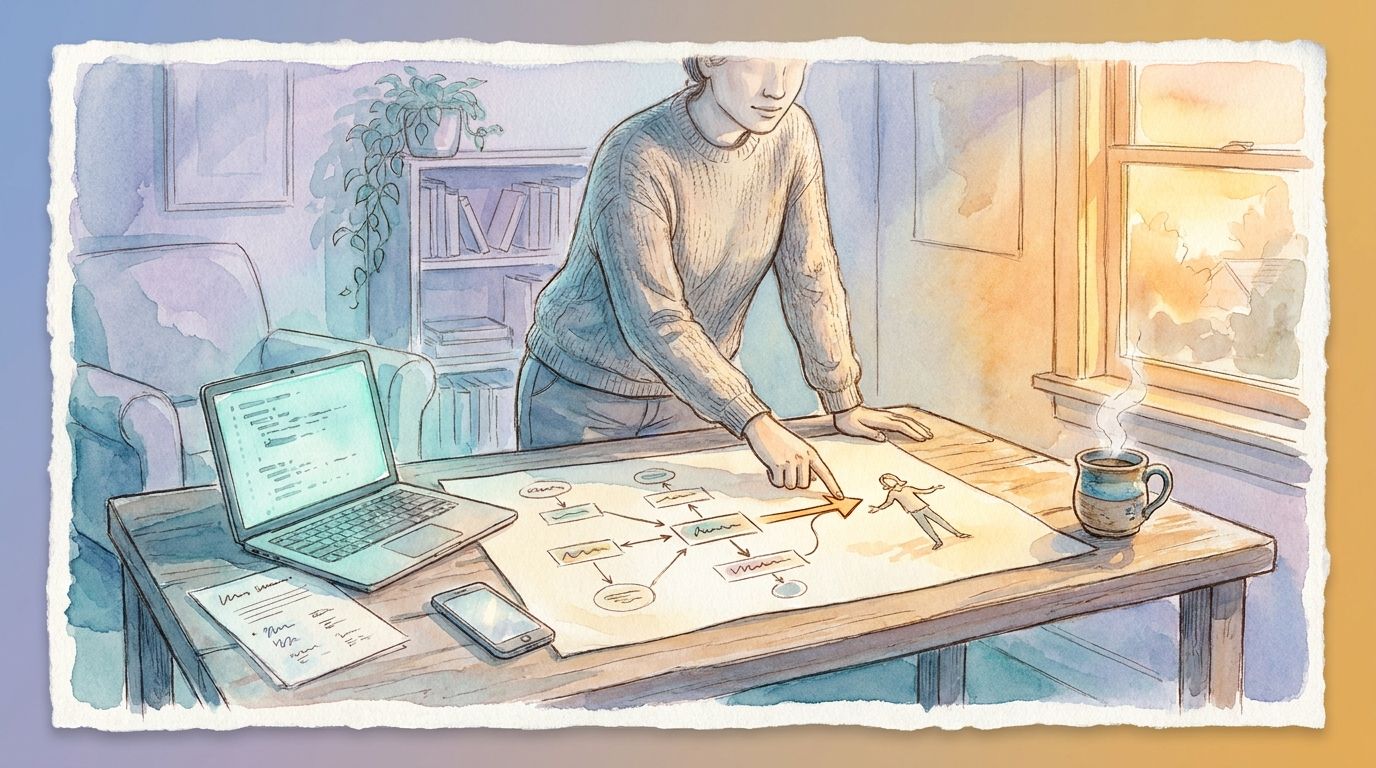
Picture a typical service business today. A lead fills out a contact form, and someone on the team notices it in an inbox, copies the details into a spreadsheet, and types up a reply by hand, sometimes hours later if the day gets busy. With a workflow in place, the same form submission adds the lead to the CRM, sends a first reply within minutes, and notifies the right team member automatically. The client experience improves and the manual copying disappears, without changing what the business actually offers.
What automation doesn’t replace
It’s worth being direct about the limits here, since overselling automation is how businesses end up disappointed by it.
Automation doesn’t replace judgment calls. If a client’s request is unusual, or a situation needs a human read on tone or context, that still goes to a person. It also doesn’t replace the relationship-building parts of the job: the phone call where you actually listen to a client’s concern, the conversation that turns a one-time customer into a repeat one. Automation is at its best clearing the routine work out of the way so there’s more time for those parts, not standing in for them.
Finding your first automation target
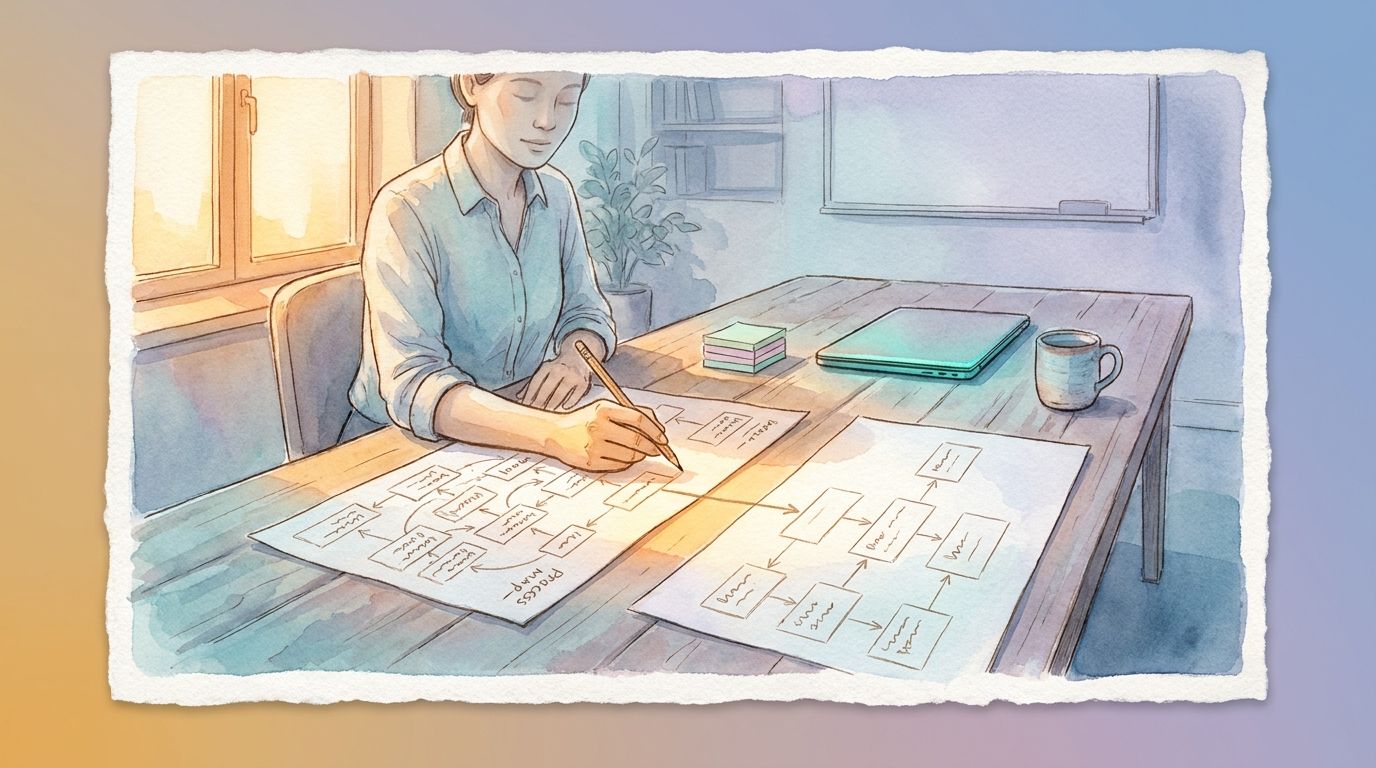
The easiest way to find a good starting point is a short time audit. For one week, jot down any task you do more than twice that follows the exact same steps each time. At the end of the week, look at the list and ask two questions: how often does this happen, and how many minutes does it take.
The tasks with high frequency and low complexity are usually the best first projects. A daily five-minute task adds up to over twenty hours a year. That’s real time back, even before touching anything more ambitious.
It also helps to sort your list into two rough piles: quick wins and bigger projects. A quick win is something like an automatic confirmation email, usually set up in a day or two. A bigger project might be connecting three different systems so information only needs to be entered once. Starting with a quick win builds confidence in the process and gives you something working before tackling anything more involved.
A common first automation for service businesses is connecting the initial lead form to a CRM and an automatic follow-up message, so no lead sits untouched simply because nobody got around to it that day. From there, most businesses expand into scheduling, invoicing reminders, and status notifications once the first workflow proves itself out.
Starting small on purpose
You don’t need to automate everything at once, and trying to usually backfires. A single workflow, set up correctly and actually used, is worth more than five half-finished ones. Pick the task that eats the most time for the least judgment, get that one working well, and let the next opportunity show itself once the first one is running.
The time you get back doesn’t have to go toward more work. It can go toward the parts of the business that actually need you: talking to clients, planning ahead, or just leaving the office on time.