Strategy•November 3, 2026
Before You Automate, Understand How Your Team Works
Written by Rommel Casis
When a business decides to automate something, the first conversation is often about tools. Which CRM, which booking system, which AI assistant. Those choices matter. I start with a different conversation, with the people who do the work today.
I learned this on a data migration project in my enterprise work. We were moving years of insurance claims history off an old system and onto a new platform. People across the business relied on that history every day, so it had to carry over accurately. Before I wrote a single line of SQL, I sat down with the people who used the old system.
That step shaped almost everything that followed. I think it matters just as much for a five-person team adding its first automation.
Watch the work before you map it
On the migration, I sat with the users and watched how they entered and worked with the data. I asked which details mattered most to them, the ones that would cause problems later if they came through wrong or missing. Then I traced what I saw on their screens back to where that data was stored in the old system.
Only after that did I start looking at the data itself.
The order matters. A field can be filled in on every record and still be useless if nobody knows what it is for. How people use the data tells you what the system really needs to do.
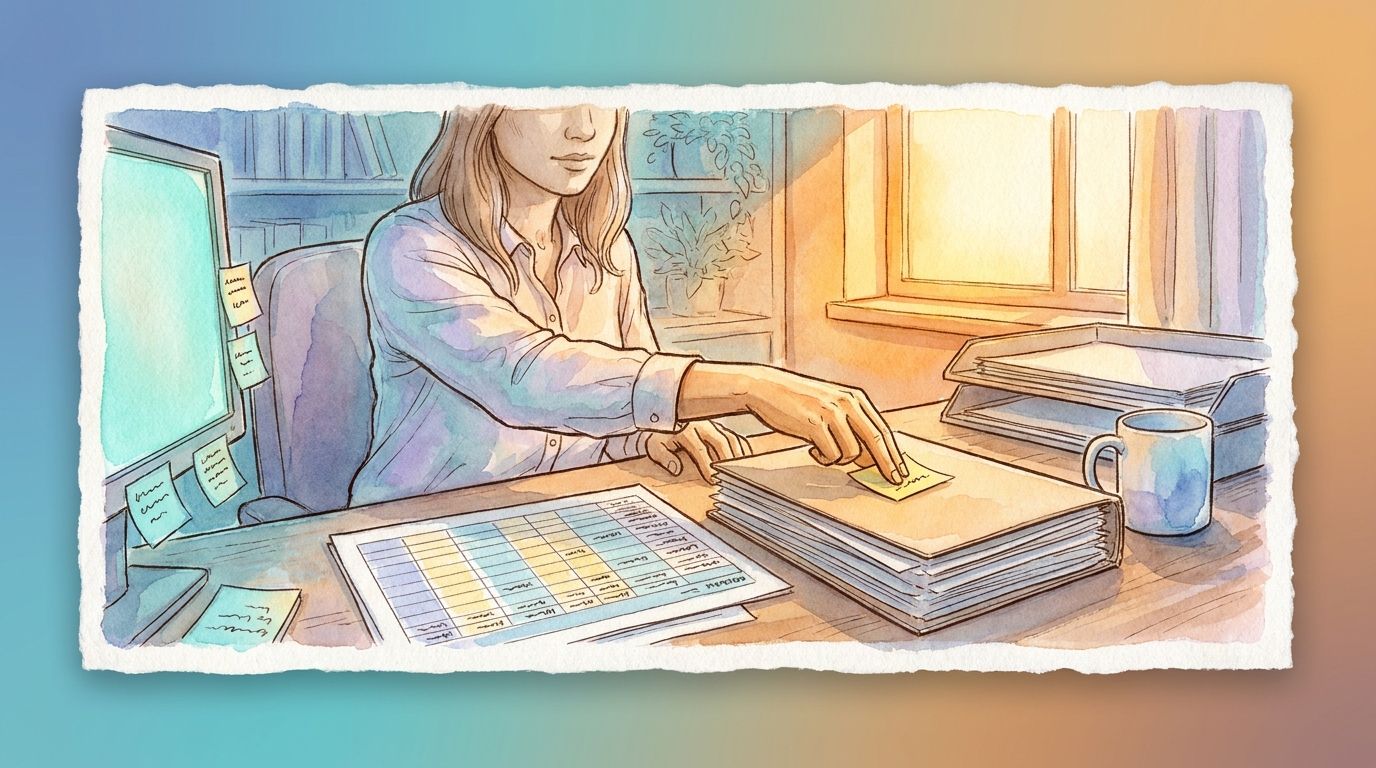
In a small business, the same step is simple. Sit beside the person who does the work and watch a normal day. Here is a representative example. Imagine a mortgage team assistant who handles new client documents. The official process says documents arrive by email and get saved to a shared folder. Watching her for an hour shows more. She keeps a sticky note of which clients still owe a pay stub. She colours a spreadsheet row when a lender asks for something extra. Those habits are the real process. An automation needs to cover them too, or she ends up doing the work twice.
Once I have watched the work, I map it. I wrote about how I do that in How I Map a Business Process Before Automating It.
Let the people who own the work set the rules
Every automation follows rules. The best rules come from the people who know the work.
On the migration, two examples stuck with me. The first was a field on dental claims called the tooth code. Many older records had it blank. Guessing would have been risky, so I worked with the business users to agree on default values that matched how they thought about those claims. The rule came from them.
The second was duplicate claims in the old system. Before removing any, we had to agree on what counted as a duplicate. A loose definition could delete a real claim. A narrow one would leave duplicates behind. We agreed on clear criteria first, then applied them the same way across the whole data set.
Small businesses face the same kind of questions. What counts as a qualified lead? When are two contacts in the CRM the same person? Which inquiries go straight to the owner? The team that does the work is best placed to answer these. I help write the answers down clearly, so the automation can follow them consistently.
Test with the team, more than once
On the migration, we tested on a separate copy of the data, so the business could keep using the live system. We loaded that copy, tested it, fixed what we found, and loaded it again. Each round caught something the last one missed. Confidence built up over several rounds.
One check stands out. Some benefits have a lifetime maximum, a dollar limit on what a person can claim over their life for something like orthodontic treatment. We confirmed that each person’s migrated claims added up to the same total the old system had tracked. If the totals differed, something was wrong, even when every single record looked fine.
Both ideas carry over to a small business. Test an automation with realistic examples, have the team review the results, and run another round after each fix. Then add a simple totals check. For example, if 40 inquiries came in this week, the CRM should show 40 new entries. A mismatch tells you to look closer. I wrote more about catching problems like this in What Should Happen When an Automation Fails?
Bring your vendors in early
The migration also depended on the vendor who owned the new platform. Early on, we asked for access to load data into their test environment ourselves, because those loads happened several times a day. The vendor helped with some of them and committed to running the final production load.
A small business usually has vendors too: the CRM provider, the booking tool, the person who built the website. It helps to involve them before launch day. Ask what their tool can do, where its limits are, and who to contact when something goes wrong.
Where to start
Before you automate any workflow, ask one question. Do we understand how the people doing this work actually do it?
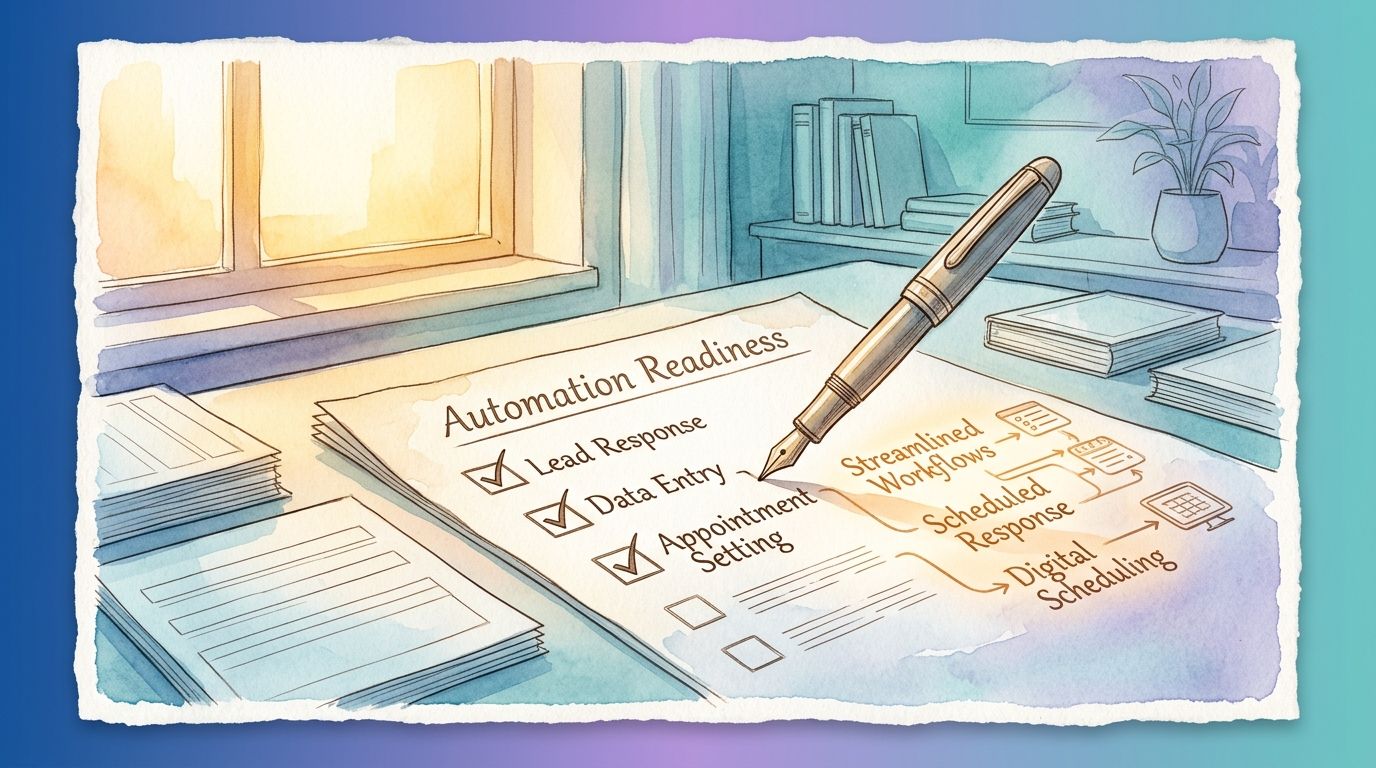
If the answer is “mostly,” that is a good place to begin. An hour of watching and a few agreed rules help any automation fit your team better. Understanding how a workflow runs today is where the AI and Automation Readiness Assessment I offer starts. If you would like to talk through a workflow of your own, I am happy to do that on a free call.